AUGUST 28, 2026

Major Features
Jobber integration
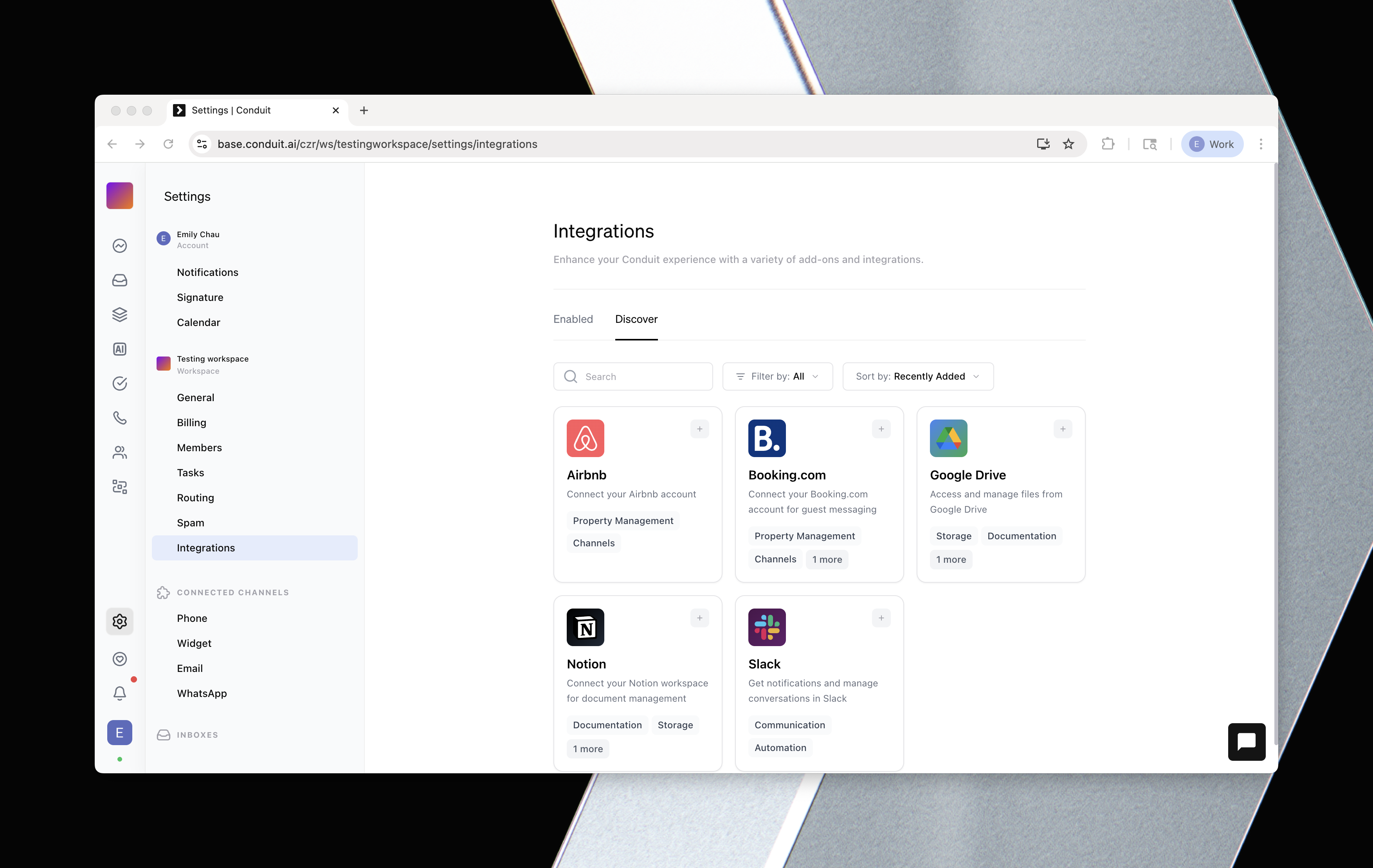
Connect your Jobber account to Conduit. Jobber's jobs and work orders are now available as tools your AI agents and the public API can use, and a Jobber job change can trigger a workflow. Set up automations that fire when a job is scheduled, updated, or completed.
Find it in the workflow builder: add a trigger and pick Jobber. Jobber's work-order tools are also available to your AI agents and through the public API.
Book directly in the chat widget
The chat widget can now walk a guest through a booking without leaving the conversation: browse a listing, check availability, choose the guest count, and get a checkout link, all inline. It works across your connected property systems.
Find it in the chat widget on your website.
Enhanced Capabilities
Noise cancellation on calls
Turn on background noise cancellation so voices come through clearly on noisy lines.
Find it under the call panel's audio settings.
Search inside attachments
Inbox and ticket search now looks inside attachments, so you can find a conversation by the contents of a file someone sent, across every channel.
Find it in the Inbox search bar.
Post task activity to Slack
Task updates can now flow into a Slack thread, so the right people stay in the loop without opening Conduit. You can also update tasks, including custom fields, straight from the AI operator.
Find it under Operations → Tasks, and connect Slack under Settings → Connections.
Pause a contact's AI over the API
The public API can now pause and resume AI replies for a specific contact, so your own tools can hand a conversation to a human and take it back.
Find it in the public API reference.
Give workflow AI steps their own tools
When an AI step sends a message in a workflow, you can now grant it specific tools to use, so it can look things up or take action mid-workflow.
Find it in the workflow builder on the Send AI Message step.
Door codes in the inbox before check-in
Access codes now show in the conversation sidebar before a stay is activated, so you can share them without digging.
Find it in the Inbox conversation sidebar.
File uploads in Portal questions
Guide portals can now ask a guest to upload a file as an answer (an ID photo, a signed form), and it appears with the submission.
Find it under Portals when editing additional questions; uploads show with each submission.
Chat widget: pets and returning guests
The widget's guest count picker now includes pets, and returning visitors skip the intro setup and go straight to chatting.
Find it under Settings → Channels → Widget.
New property system: Avantio
Avantio is now available as a property management connection.
Find it under Settings → Connections when adding a property system.
Guest portal in the guest's language
Guests can now translate their guide portal into their own language with one tap, so check-in steps, house guides, and offers read clearly no matter where they are from.
Find it in the guest portal, where guests get a language picker that translates the content.
Performance & Quality Improvements
- Workflow builder: nested branch conditions render correctly, branch sheets open in place, and stale canvas state no longer blocks the AI operator. Note mentions render as written.
- Calls: audio devices wait for setup before going live; voicemail timeout fixed for simultaneous ringing.
- Chat: rich cards wait for the reply to finish before appearing.
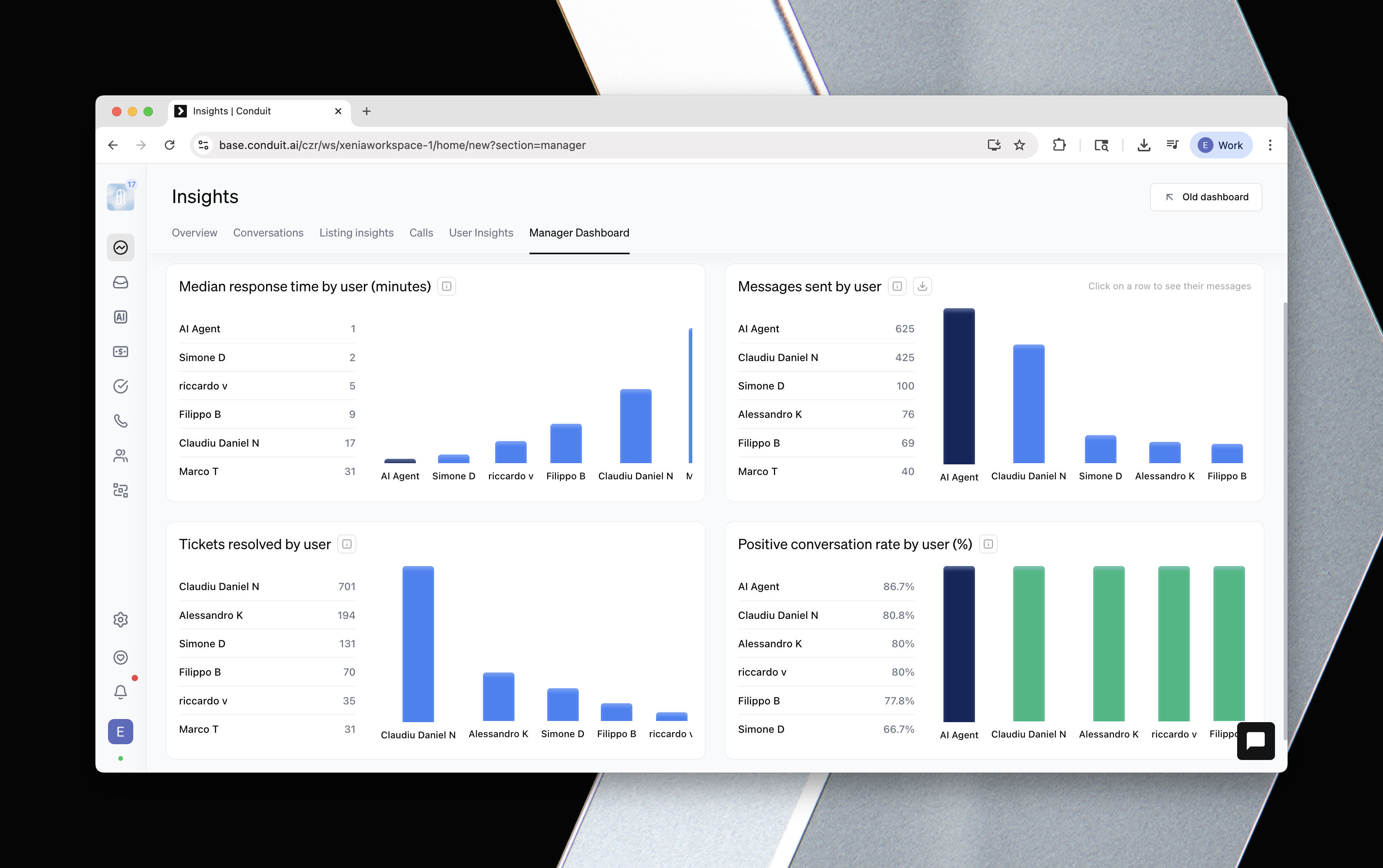
- Reporting: Manager Dashboard filters now apply, and average talk time by workspace was added.
- Skills: recently edited skills sort first, with active-status sorting.
- Sandbox: filter activity to sandbox test runs.
- Integrations: Breezeway now surfaces the real connection error instead of a generic failure; Resly cleaning status syncs automatically as listings change.
- Listings settings: see billable sub-listings and unit totals.
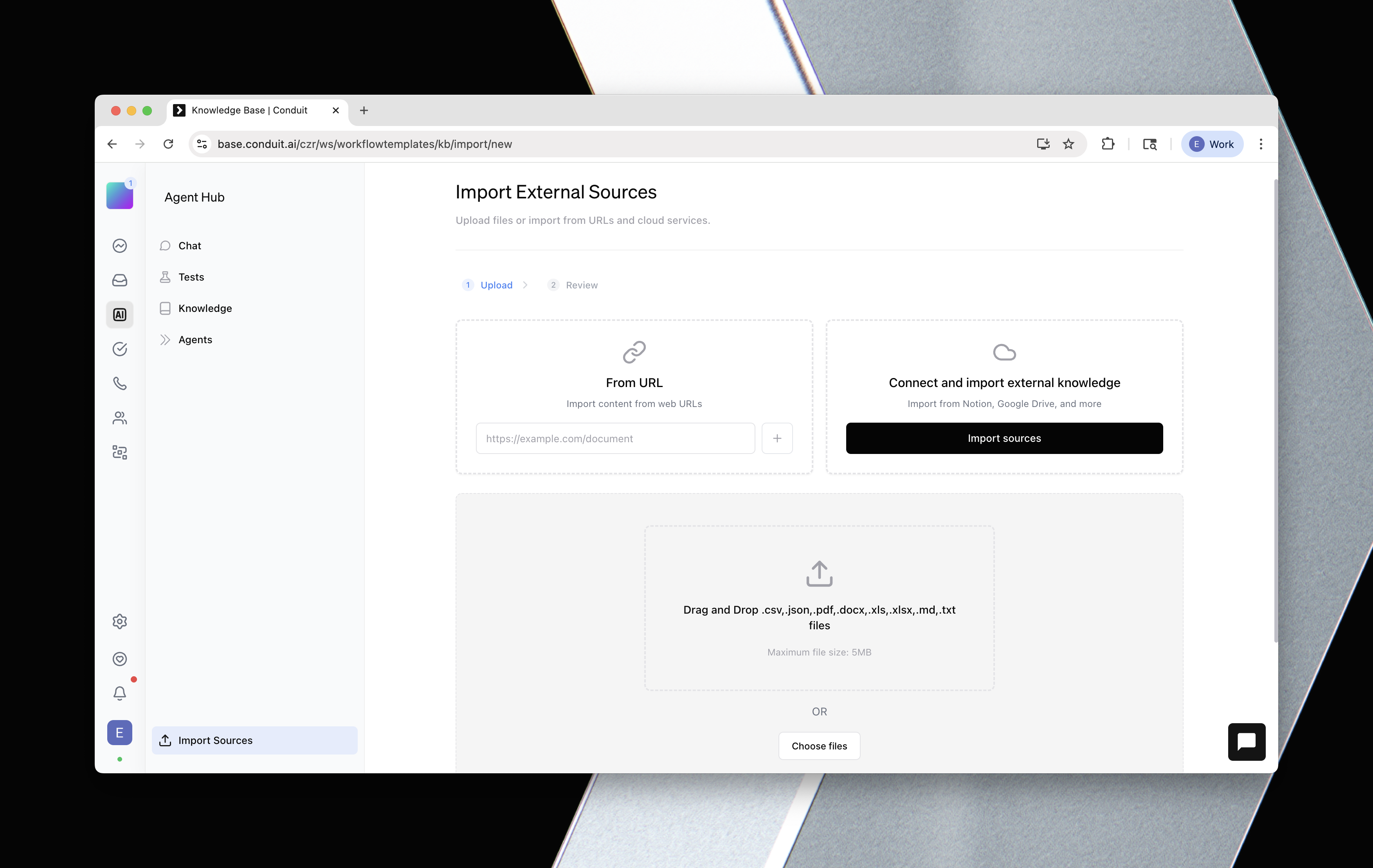
- Knowledge base import: column mapping leads with matched entities and lets you pick the mode.
- Scrollbars: visible and easier to grab across the app.
- Operator: timestamps show in your workspace timezone.
- Portals: ad offers show in discover, and single-guide categories get a full-width tile.
- Guide sheets: capped width and image crop on desktop.
Designed, Built, and Written By

Yash
Engineer

Will Garman
Full Stack Engineer

Cristian
Engineer

Bohdan
Engineer

Punn Kam
Co-Founder